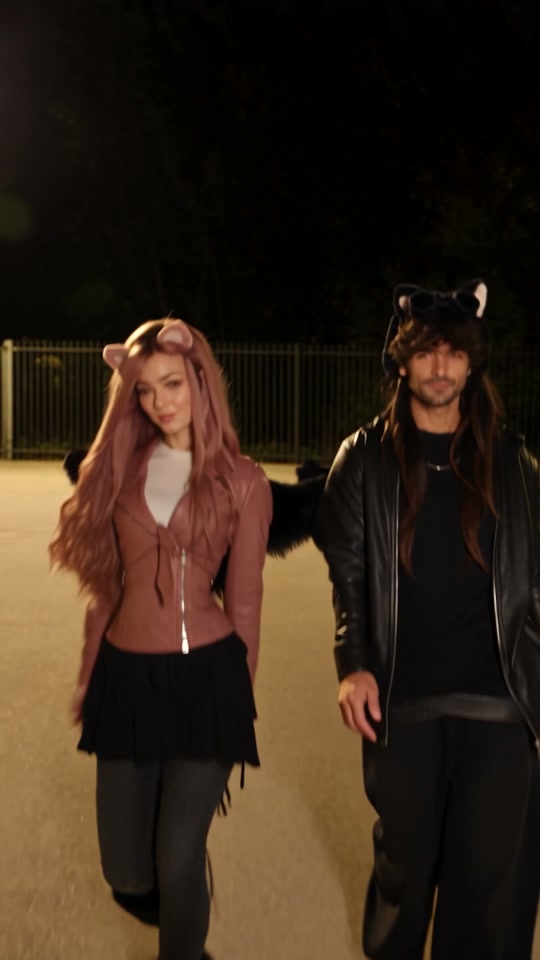
Use Ramalama's AI templates when you have costume photos and want a prepared walk generated from them. Film the reveal when you want to perform your own movements and control the camera yourself. You can edit that recording in a video editor such as CapCut.
What material do you already have?
| Your material or goal | A workflow to consider |
|---|---|
| One clear full-body costume photo | Ramalama Solo generates an 11-second walk |
| Separate costume photos of two people | Ramalama Duo generates a 12-second reveal |
| Separate costume photos of three people | Ramalama Trio generates a 15-second group entrance |
| A costume and time to record your own performance | Film the low-to-high reveal, then edit the footage |
| An existing recording with a movement you want to keep | Edit that recording rather than submitting it as a photo |
Ramalama's upload form accepts photos. A generated walk follows its prepared template. It does not offer a video-editing timeline or controls for directing each movement.
Start from photos with Ramalama AI
Choose the number of people, watch the matching sample and add one clear full-body photo per person. Keep faces, hands and shoes visible. Duo needs separate left and right photos. Trio uses center, left and right slots.
Use photos of the outfits you want in the result. The template is designed to retain those clothes. Naming a character is not a clothing-change control.
Select Fast or Premium and a supported resolution, check the credits, then generate. The completed vertical MP4 can be downloaded with template music. See the full tutorial and free previews and paid generation.
Film the costume reveal yourself
Plan the opening shoes-and-footsteps shot, the upward camera movement and the final pose. For a group, decide who enters first and where everyone stands in the final frame. Record a test and check that the camera reveals each costume at the intended moment.
Your recording supplies the actual performance. Trim the beginning and ending, check the crop and align the footage with the audio you intend to use. Compare your timing with an original creator example.
Where does CapCut fit?
CapCut's official keyframe guide describes changing position, scale, rotation and opacity over time. Those controls can help adjust the framing of existing media. Moving or zooming an image with keyframes does not by itself specify the walking performance produced by a Ramalama AI template.
This comparison concerns photo-based Ramalama generation and editing your own recording. A specific CapCut template or AI feature can have different inputs and terms. Check its actual preview, required media and checkout before choosing it. This guide does not establish the availability or price of a particular Ramalama-branded CapCut template.
Can I edit the generated MP4 afterward?
Yes. Download the completed Ramalama MP4 and use it as footage in your editor. If you add another sound, listen to the exported mix so the two audio tracks do not overlap unintentionally.
For the song and original camera pattern, read the Ramalama Halloween trend guide. To generate a version from photos, compare the available templates.
Read more
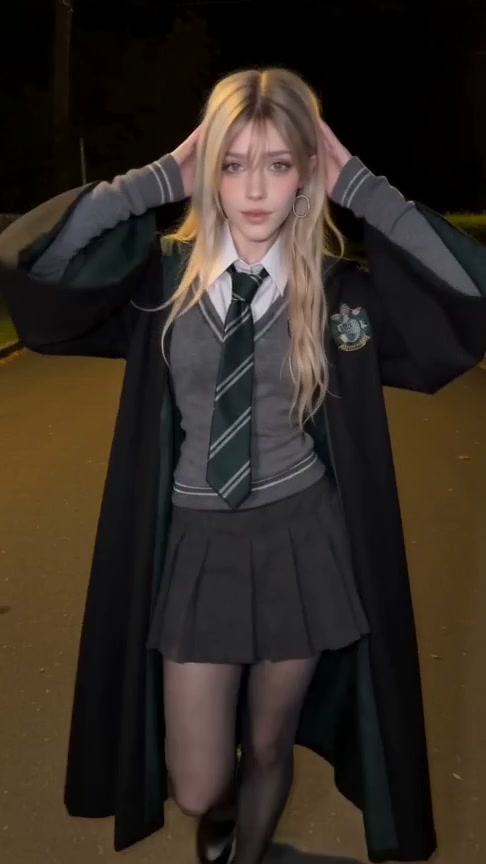
Is Ramalama AI Free? Previews, Credits and the First Video
See what you can preview for free, the minimum payment for your own Ramalama video, and how Solo, Duo and Trio credits work.
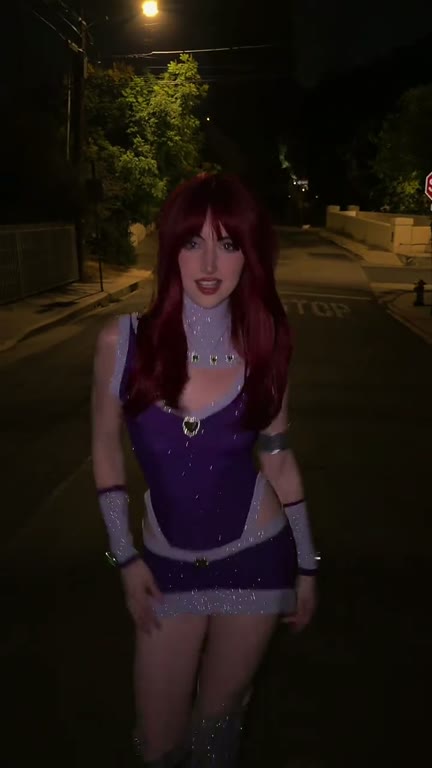
What Is the Ramalama Halloween Trend? Song, Walk & Costume Ideas
Understand the Ramalama Bang Bang costume walk, watch original examples and learn how to make a solo, duo or trio Halloween reveal from photos.
How to Make a Ramalama Halloween AI Video: Solo, Duo & Trio
Choose your cast, prepare photos, generate the Ramalama costume walk and download your Halloween video with music.