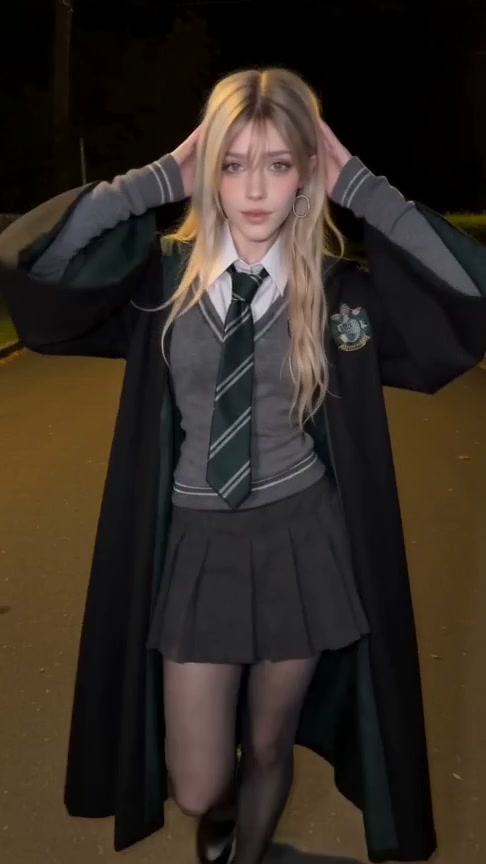
The template decides the moves, the camera and the music. Your photos decide who's in the video — so a good photo makes the biggest difference. Here's what works best.
1. One person per photo
Each photo slot plays one person in the scene. Group shots make it hard for the model to know who you mean, so crop to a single person.
2. A clear, front-facing face
Faces turned to the side, hidden by hair, sunglasses or a hand often come out less like the person. A straight-on or slightly angled face works best.
3. Even light
Soft daylight beats harsh shadows. Avoid strong backlight that leaves the face dark.
4. Enough resolution
Use photos at least 300 px on each side — larger is better. Very small or heavily compressed images lose detail.
5. Only people who agreed to appear
Use photos of yourself or friends who are happy to star in the video. Photos of public figures are rejected by the model's review.
Ready? Pick a template and try it.